01
Start in a few steps
Install, log in, then connect straight from the home screen.
High-speed networking, redefined for streaming, gaming, AI tools, and browsing.
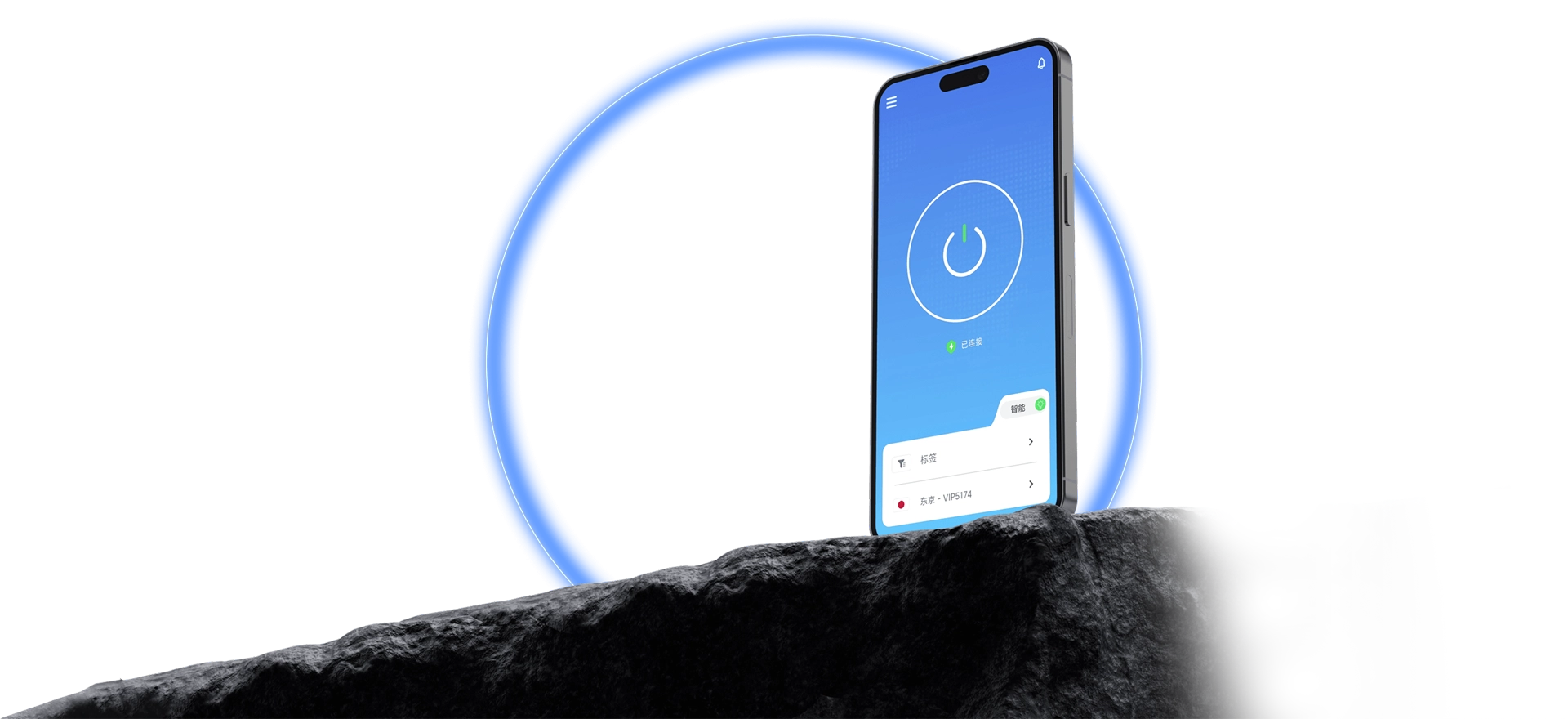
QuickQ ships clients for Windows, macOS, iOS, Android, and Linux. Sign in, choose a route on the home screen, and start a connection; the current status is shown in real time, and multiple devices can share one account.
The flow is short: follow it once and you are connected.

Install, log in, then connect straight from the home screen.
See what is available and change routes whenever you need to.
Whether you are connected shows up in real time.
The flow is close enough across platforms that switching devices is easy.
The purpose and protection of required information is stated openly.
Guides and FAQs walk through installation, sign-in, and connecting.
Download the client and follow the tutorial to set up QuickQ.